Touch Gesture

Description
The Touch Gesture tool is a versatile and robust solution for integrating intuitive touch and swipe functionalities into Unreal Engine projects. By offering a comprehensive suite of transformation and interaction features, it allows developers to create engaging and user-friendly experiences in games, applications, and other interactive projects.
Overview of Touch Gesture
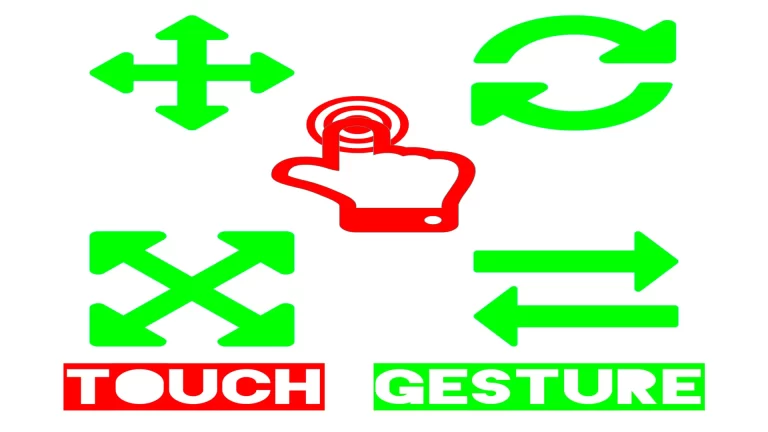
Touch Gesture empowers developers to easily implement touch-based interactions such as movement, rotation, scaling, and swipe gestures. Whether designing for mobile platforms or interactive desktop applications, this tool provides all the necessary components to enhance user engagement while maintaining simplicity and efficiency.
Core Features
1. Transformation Functionalities
Transform actors seamlessly using highly customizable gestures, tailored to meet the demands of any project:
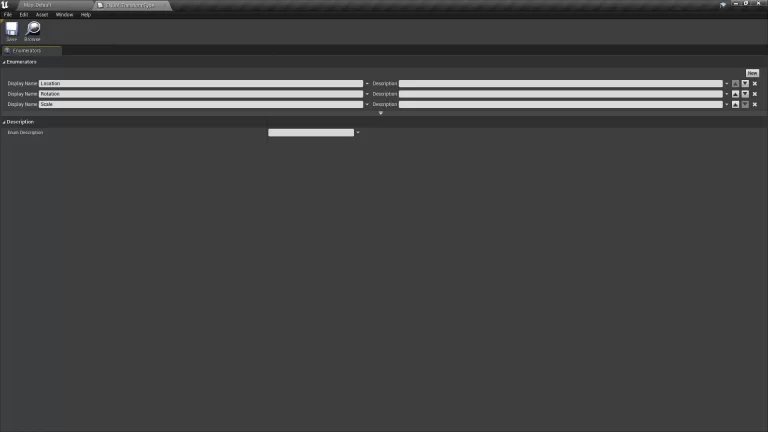
Location Movement:
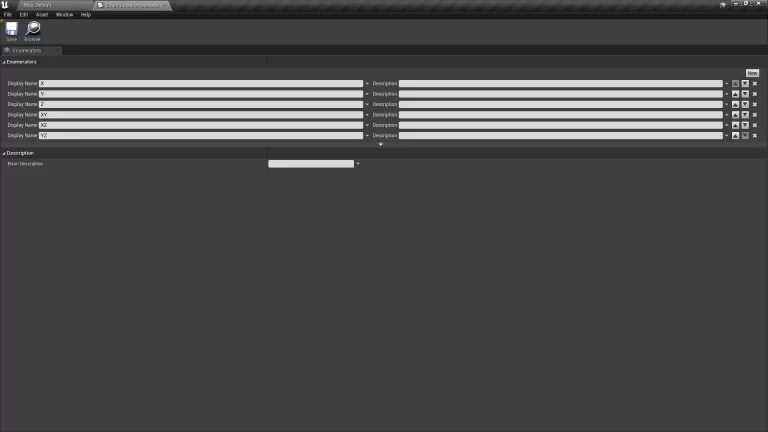
- One-Finger Gestures: Move actors along a single axis (X, Y, Z).
- Two-Finger Gestures: Combine axis movement (XY, XZ, YZ) for greater flexibility.
Rotation Adjustments:
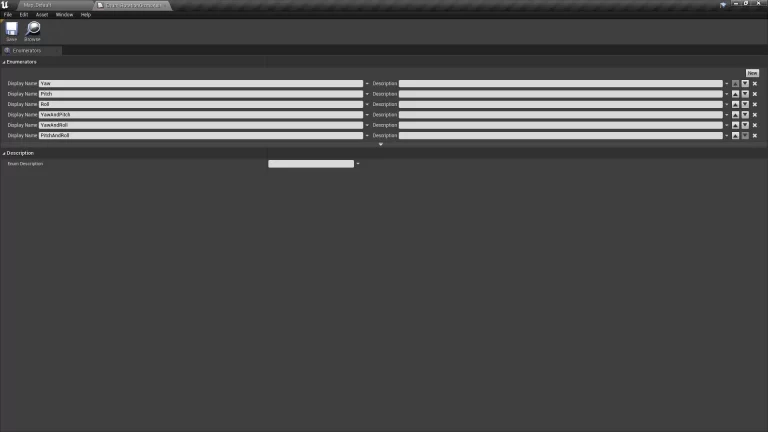
- One-Finger Gestures: Control roll, pitch, and yaw independently.
- Two-Finger Gestures: Combine axis rotations for dynamic interaction (Yaw & Pitch, Yaw & Roll, Pitch & Roll).
Scaling Capabilities:
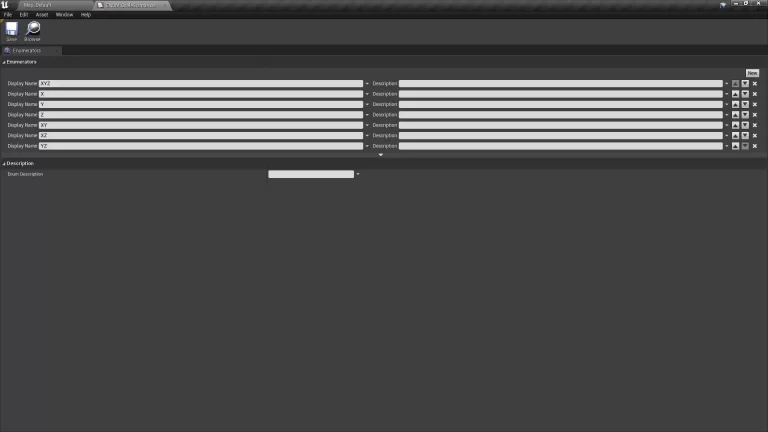
- One-Finger Gestures: Scale objects along a single axis or uniformly across all three axes (X, Y, Z, XYZ).
- Two-Finger Gestures: Enable combined scaling (XY, XZ, YZ) for more refined adjustments.
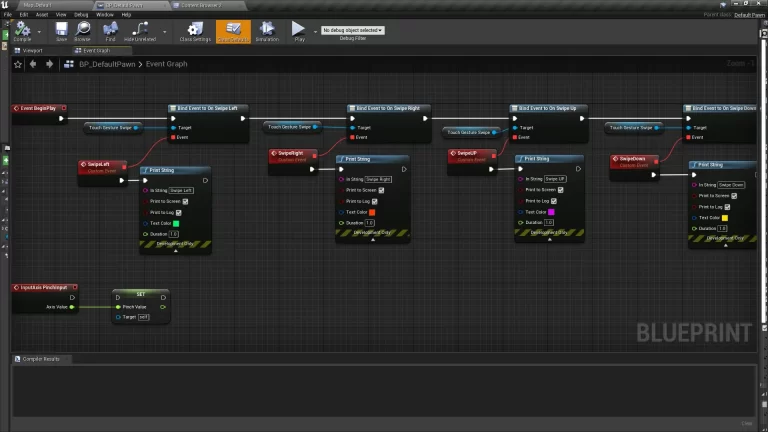
2. Swipe Gesture Functionalities
Easily set up swipe gestures to trigger specific actions based on directional input. The tool supports:
- Left
- Right
- Up
- Down
3. Modular and Blueprint-Based
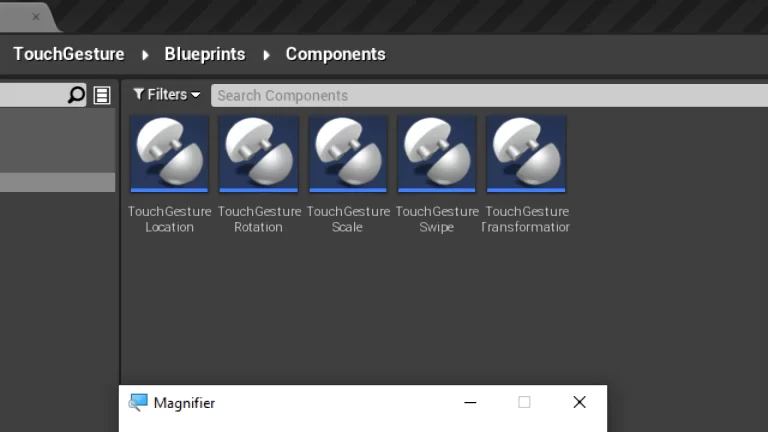
Designed entirely in blueprints, Touch Gesture is user-friendly and modular. Developers can quickly integrate its features into existing Unreal Engine projects without requiring advanced coding expertise. With 11 prebuilt blueprints, customization is straightforward and efficient, making it an excellent choice for projects of all sizes.
Platform Support
Touch Gesture supports development on major platforms, ensuring flexibility and accessibility:
- Desktop: Windows and Mac.
- Mobile: Android and iOS.
This wide range of compatibility makes it a valuable tool for developers building cross-platform applications, ensuring consistent touch-based interactions across devices.
Ease of Use
The tool comes with comprehensive documentation and tutorial resources, making the setup process smooth and stress-free. Detailed guidance on input configurations ensures developers can implement the features seamlessly and tailor them to their project’s specific needs.
Key Functionalities at a Glance
All-in-One Transformation Functionalities
- Location Changes:
- One-Finger Gestures: X, Y, Z.
- Two-Finger Gestures: XY, XZ, YZ.
- Rotation Changes:
- One-Finger Gestures: Roll, Pitch, Yaw.
- Two-Finger Gestures: Yaw & Pitch, Yaw & Roll, Pitch & Roll.
- Scaling Changes:
- One-Finger Gestures: XYZ, X, Y, Z.
- Two-Finger Gestures: XY, XZ, YZ.
Swipe Gesture Functionalities
- Left
- Right
- Up
- Down
Why Choose Touch Gesture?
- Intuitive User Interaction: Simplifies complex touch and swipe functionalities, making applications more user-friendly.
- Time-Saving Integration: Prebuilt blueprints eliminate the need for custom scripting, saving valuable development time.
- Flexible Customization: Supports a wide range of customization options for movement, rotation, and scaling, tailored to individual project requirements.
- Cross-Platform Compatibility: Ensures consistent user experiences across desktop and mobile platforms.
- Comprehensive Support: Includes detailed documentation, demo videos, and access to a community Discord server for assistance and guidance.
Who Is It For?
Touch Gesture is ideal for game developers, app designers, and interactive content creators who want to enrich their projects with intuitive touch-based interactions. Whether you’re building immersive games, augmented reality applications, or interactive simulations, this tool provides the flexibility and functionality you need.
Conclusion
Touch Gesture offers a powerful yet straightforward solution for implementing touch and swipe gestures in Unreal Engine projects. Its robust feature set, combined with ease of use and cross-platform compatibility, makes it an invaluable asset for developers aiming to enhance user interaction. From precise object manipulation to intuitive swipe controls, Touch Gesture ensures your project delivers a seamless and engaging experience. Upgrade your interactive capabilities today with Touch Gesture!
Technical Details
Features:
easy to use
100% Blueprints
Number of Blueprints: 11
Input: Defined in Documentation
Development Platforms:
Windows: Yes
Mac: Yes
Android: Yes
IOS: Yes
ALL ASSETS FROM OCEAN INTERACTION: Link
Tags
ocean interaction, unofficial documentation, unreal engine, c++, touch gestures, swipe gestures, actor transformation, Unreal Engine touch controls, movement rotation scaling, one-finger gestures, two-finger gestures, swipe left gesture, swipe right gesture, swipe up gesture, swipe down gesture, Unreal Engine blueprints, touch gesture implementation, cross-platform compatibility, Windows touch controls, Mac touch controls, Android touch controls, iOS touch controls, gesture-based interaction, Unreal Engine input system, easy-to-use blueprints, game UI enhancements, touch control customization, multi-platform support.