AR Object Placing

Description
Template: Link
Demo 01: Link
Demo 02: Link
Demo 03: Link
DISCORD SERVER: Link
Documentation: Link
The AR Object Placing tool is a robust template designed to streamline the creation of augmented reality (AR) applications. With its ready-to-use features and simple customization options, this tool makes it easy to bring AR projects to life with minimal effort.
Core Features
AR Object Placing allows you to quickly set up and deploy your AR application:
- Replace the default StaticMesh or Skeleton Mesh with your desired asset.
- Build the project.
- Run it to experience your custom AR application in action.
With just these three steps, you can create an immersive AR experience tailored to your needs.
Demonstration Overviews
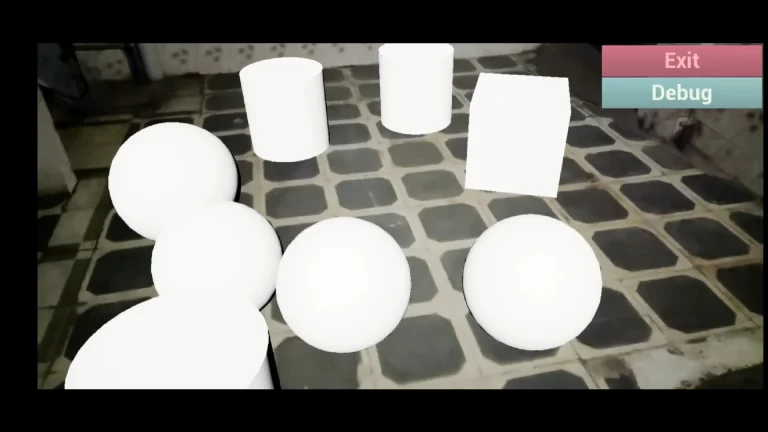
Demo 01: Object Editing
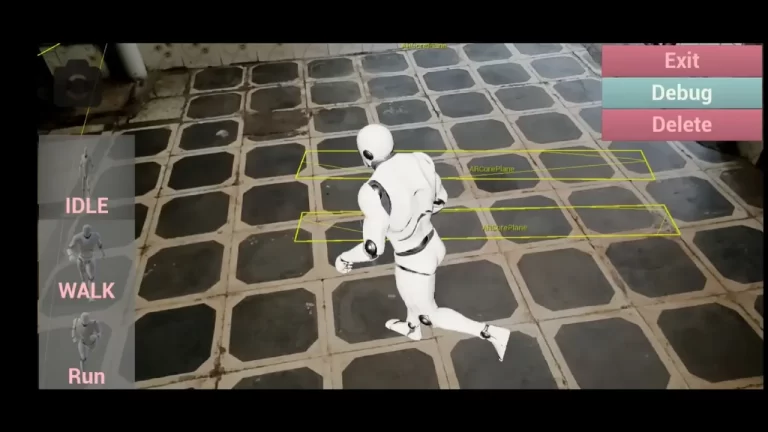
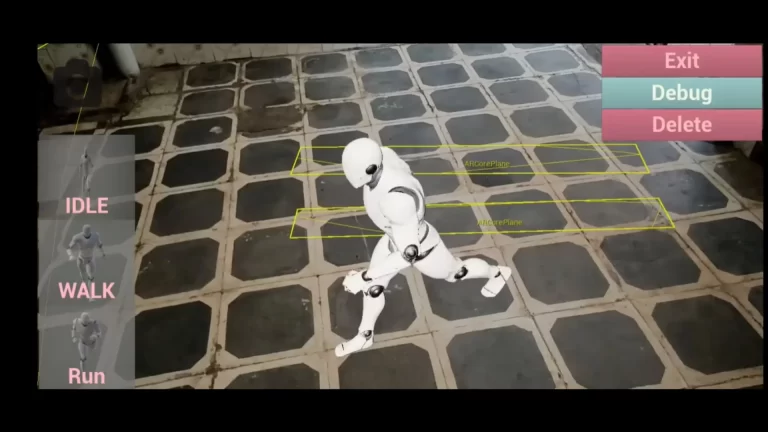
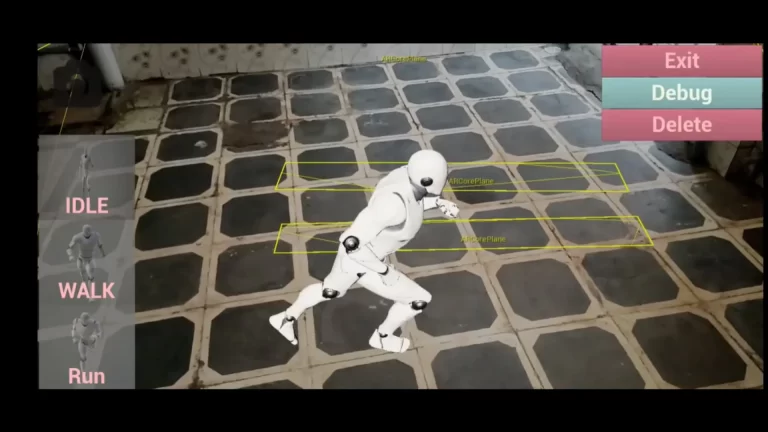
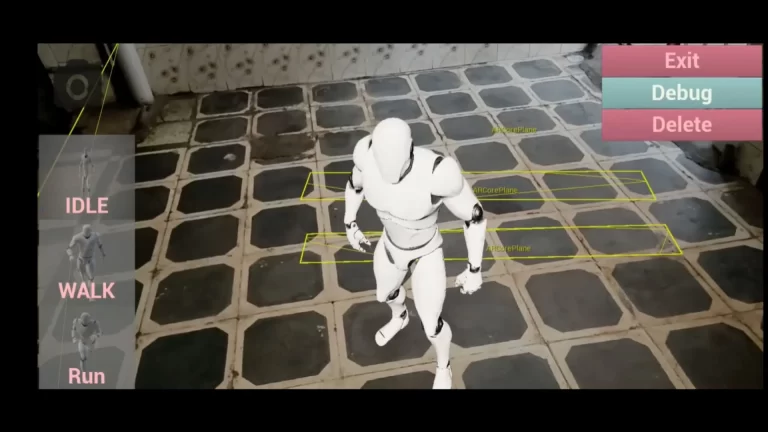
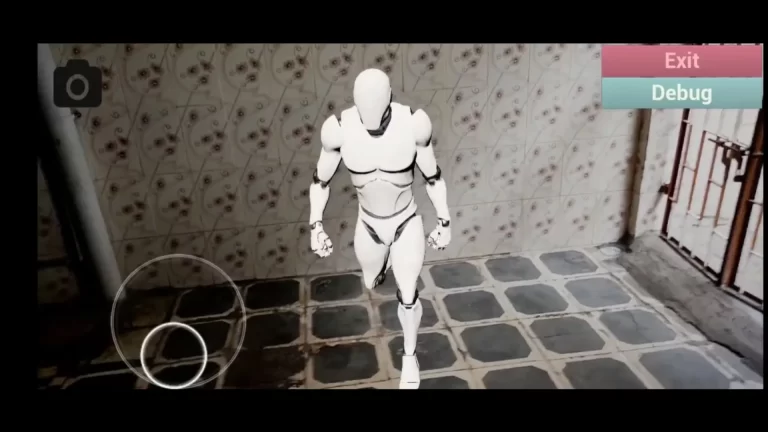
This demo showcases how to spawn and manipulate objects in the real world. Users can adjust rotation, scale, and even play animations for skeleton meshes.
Key Features:
- Spawn Characters: Place characters into the real world with a simple screen tap.
- Remove Characters: Delete spawned objects using the on-screen delete button.
- Rotate Objects: Use a single-finger swipe to rotate characters or objects.
- Scale Objects: Resize objects effortlessly with a two-finger pinch gesture.
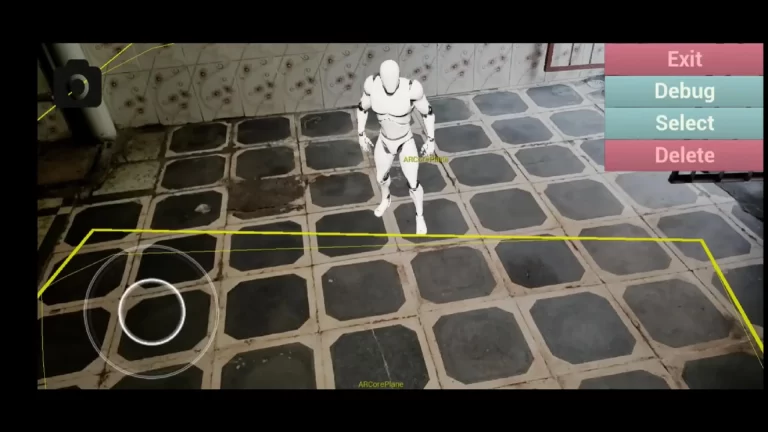
Demo 02: Tracked Geometry Mesh
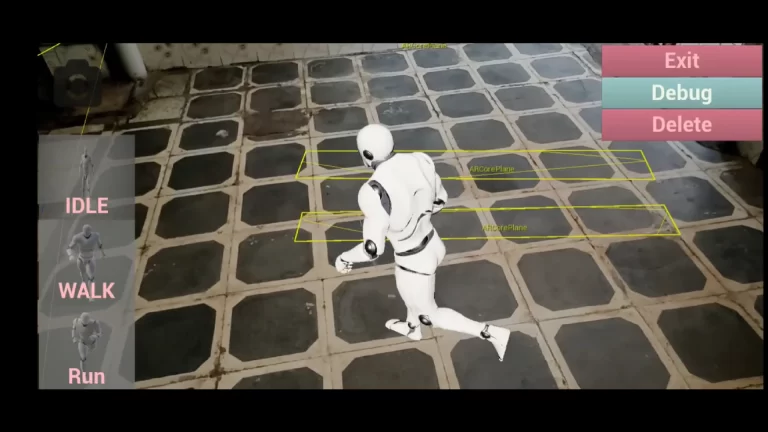
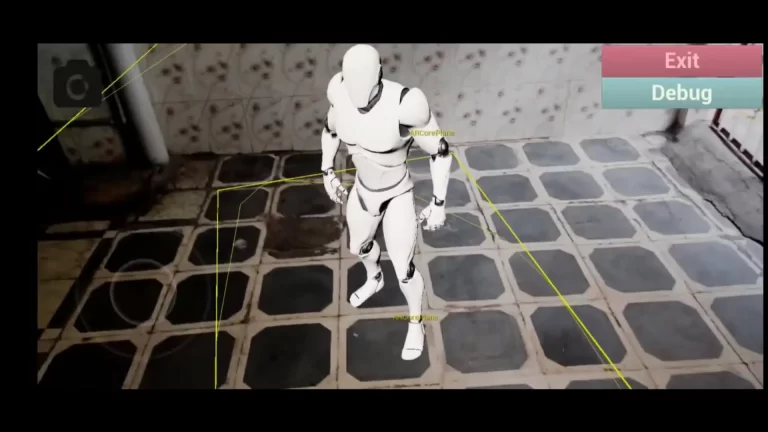
This demo highlights the ability to create meshes over tracked geometry. By default, without meshes, objects cannot interact with the AR environment due to the absence of collision. This demo demonstrates how to overcome that limitation for realistic interactions.
Key Features:
- Spawn Characters: Add characters to the AR environment with a screen tap.
- Joystick Control: Move characters using an easy-to-use joystick interface.
- Dynamic Object Handling: Automatically spawn a new character when the current one falls through the floor and is destroyed, ensuring uninterrupted interaction.
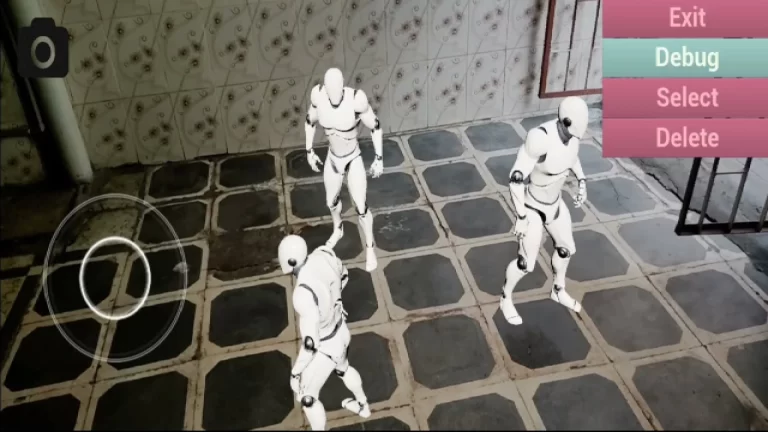
Demo 03: Object Selection
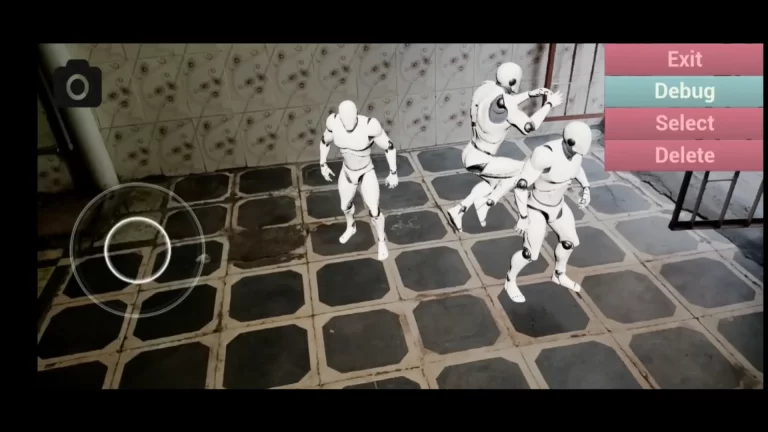
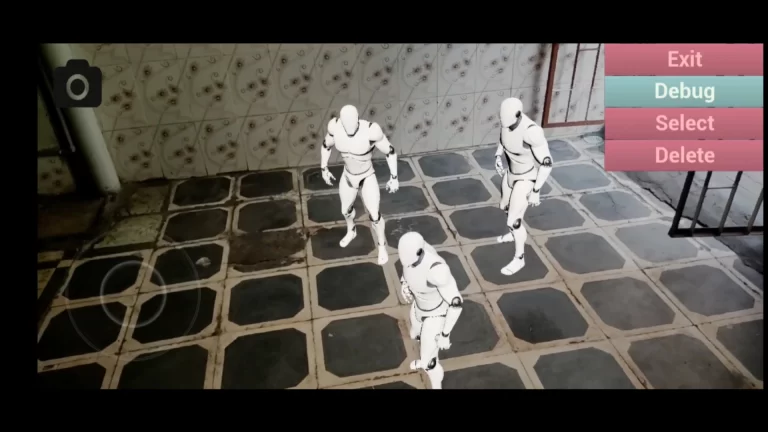
This demo focuses on spawning multiple objects and interacting with them individually in the AR environment. Users can select and control specific objects seamlessly.
Key Features:
- Spawn Multiple Objects: Add multiple characters or objects by tapping on the screen.
- Object Selection: Select specific objects using the on-screen selection button.
- Remove Objects: Delete selected objects using the delete button.
- Joystick Interaction: Control selected characters dynamically with a joystick interface.
Why Choose AR Object Placing?
The AR Object Placing tool provides a versatile and straightforward solution for AR application development. Its prebuilt features and interactive demos cater to a range of use cases, from object manipulation to environmental interaction.
Key Benefits:
- Ease of Use: Quick setup with minimal effort.
- Customizable: Replace default assets to create unique AR experiences.
- Comprehensive Demos: Learn and implement AR functionality through intuitive examples.
- Cross-Platform Compatibility: Works seamlessly on AR-supported devices.
Conclusion
The AR Object Placing tool is the ultimate starting point for creating engaging augmented reality experiences. Whether you’re a developer, an educator, or a creative professional, this template offers everything you need to build interactive and immersive AR projects. Get started today and unlock the full potential of AR!
Technical Details
Number of Blueprints: 20
Input: Included
Supported Development Platforms:
Android: Yes
- IOS: Yes
ALL ASSETS FROM OCEAN INTERACTION: Link
Tags
ocean interaction, unofficial documentation, unreal engine, c++, AR experience template, AR object editing, AR tracked geometry mesh, AR object selection, augmented reality template, AR static mesh, AR skeleton mesh, spawn objects in AR, remove objects in AR, rotate objects in AR, scale objects in AR, play animations in AR, AR joystick control, tracked geometry collision, spawn characters in AR, AR object interaction, multiple object selection, AR real-world integration, AR character control, AR template documentation, Unreal Engine AR, AR development tools, augmented reality joystick, AR object manipulation.